
You speak 5–10x faster than you type. Yet most people still treat Claude Code (or any text-based LLM) like a keyboard tool.
That to me was a solveable bottleneck.
If you’re building workflows, debugging loops, or thinking through architecture, your brain moves way faster than your finger.
That means you need a proper voice dictation setup.
Choosing Your Voice Dictation Layer
I researched into what’s out there:
Wispr Flow (paid)
Superwhisper (paid)
Spokenly (free)
My pick? Spokenly.
It runs locally. Sets up in minutes. And most importantly, it costs $0.
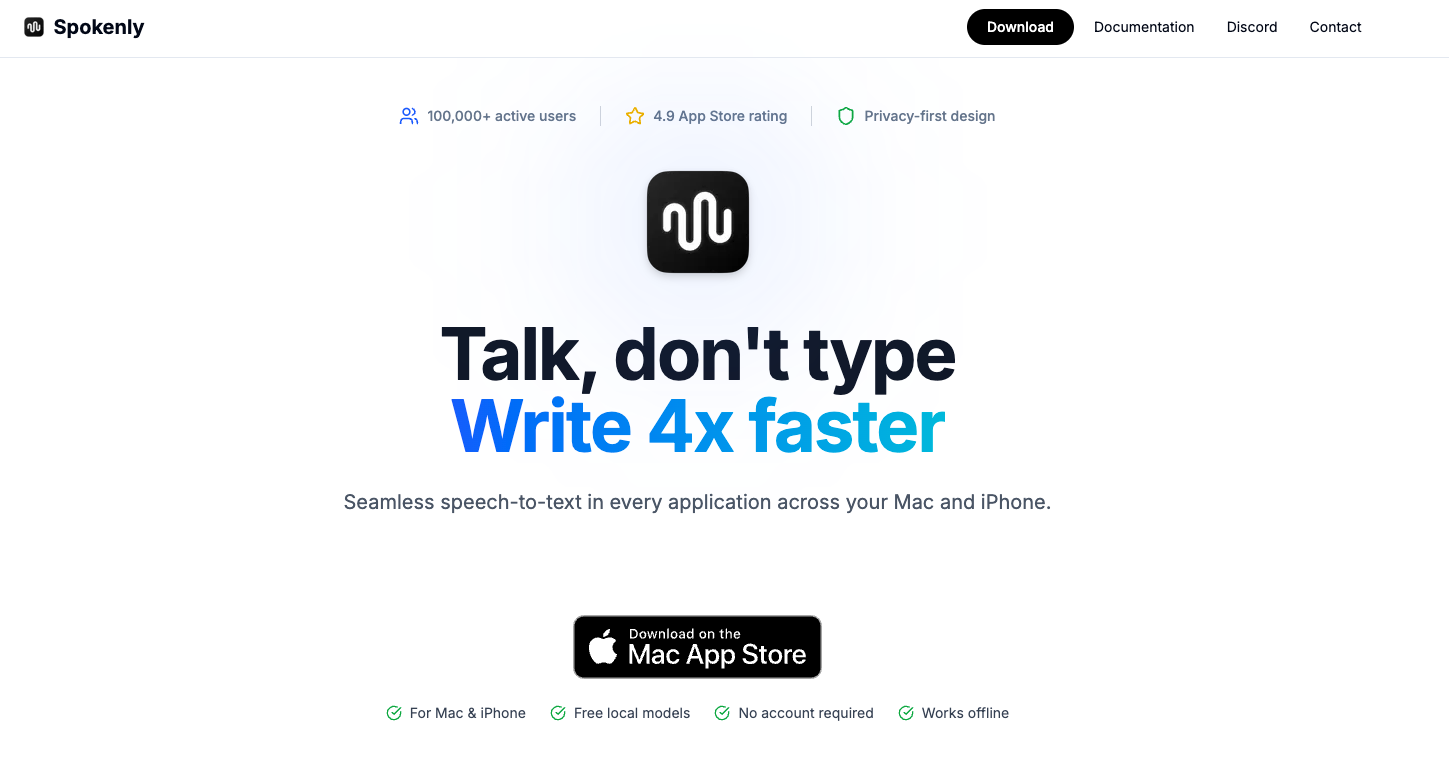
Spokenly runs a local LLM model on your machine to convert your voice into text w/o any cloud dependency. I’ve tested it, and the model works very fast too.
And it’s free. Which makes it hard to justify paying a monthly subscription just to transcribe your own voice.
The model I use is Nvidia Parakeet TDT 0.6B v3. Lightweight, responsive, and more than good enough for prompting Claude Code all day.
Once you switch to speaking instead of typing, going back feels super slow.