Day 2/30 – Claude Code Challenge (Marketing Edition)
Installing Claude Skills via Anthropic’s Official GitHub Repo.

Started Claude Skills by installing the claude-skills-creator. I plan to use this skill to create more skills.
From my research, it seems like there’s 2 ways people are doing this:
→ NPM Registry: Via an unofficial third-party package (aitmpl.com)
→ GitHub: directly from Anthropic’s official repository
Why GitHub Installation Over NPM Registry?
I went with GitHub as Anthropic maintains the official repo.
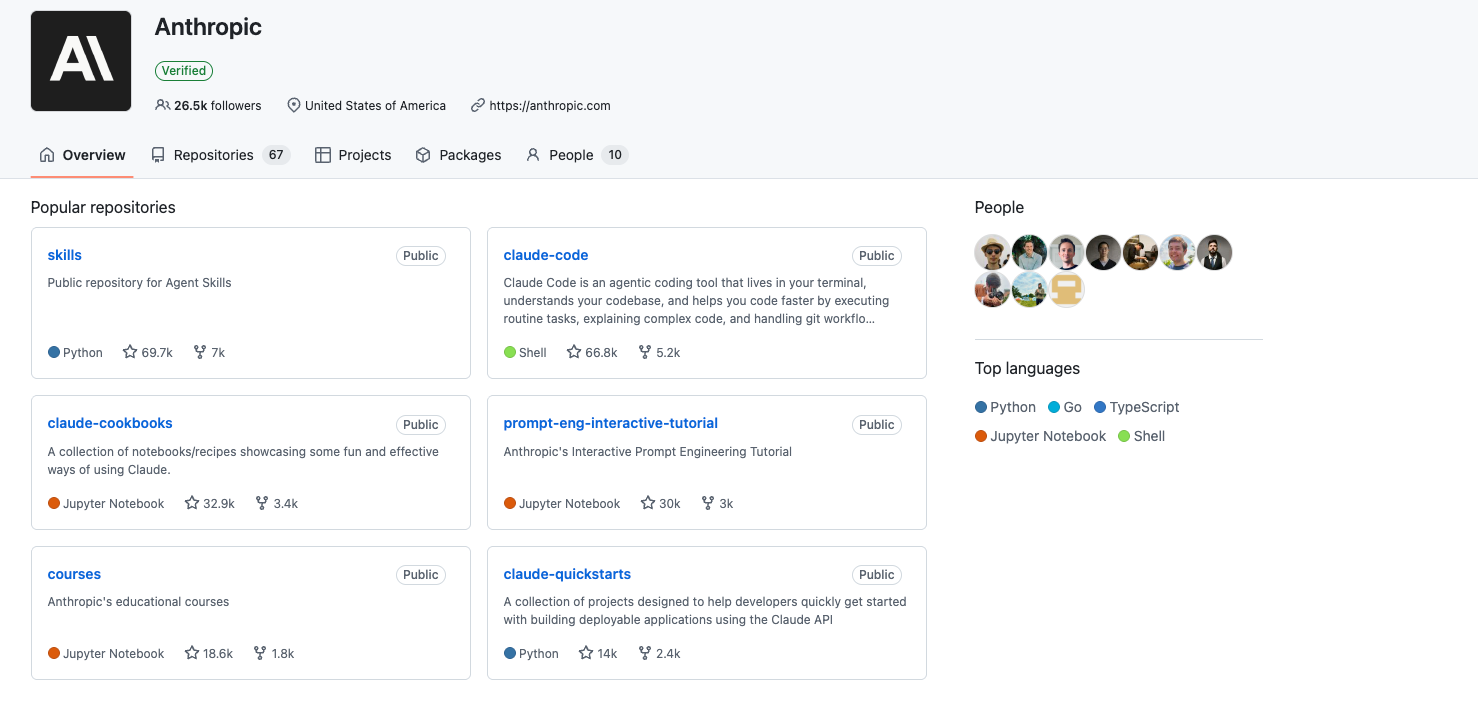
The npm command being shared (for example from sources like aitmpl.com) is published and maintained by a 3rd party.
With unofficial 3rd party packages, you don’t really know what’s inside unless you audit everything. It could be clean. It could also include extra scripts, telemetry, modified templates, additional dependencies, or code that reads from your environment.
Claude Code is typically granted broad local access. So in theory, an unofficial package executed via npx can:
Read and write files
Access .env variables
Modify project structure
Execute scripts during install
If I’m giving something that level of access, I’d rather it come directly from the original maintainer than through an extra distribution layer I don’t control.
Installing Anthropic’s Github Repo
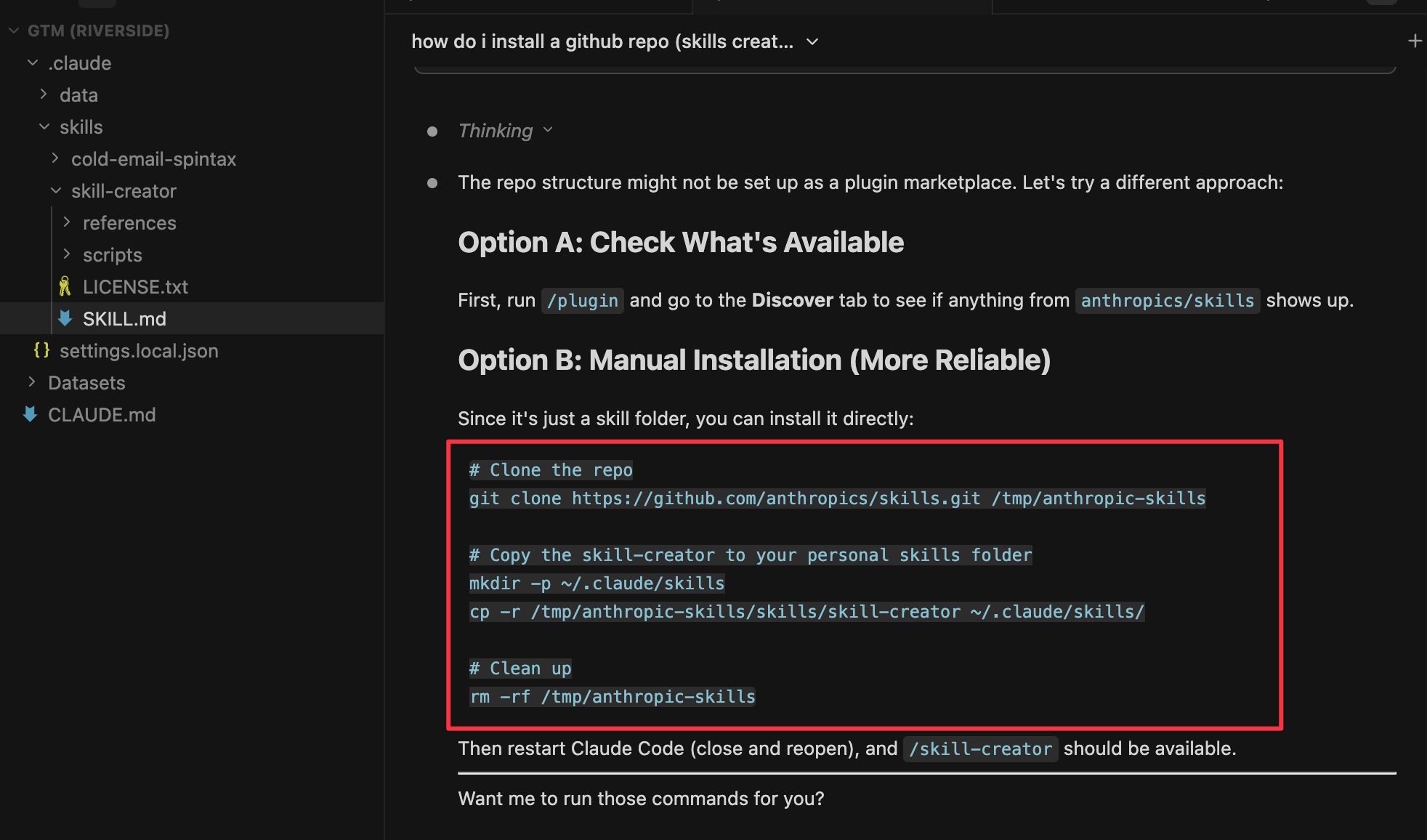
The install itself was straightforward.
I pointed Claude Code directly to Anthropic’s official GitHub repo URL and asked it to install the skill from source.
In practice, it was just:
Clone the repo
Copy the skill-creator folder into my local .claude/skills directory
Restart Claude Code
That’s it.