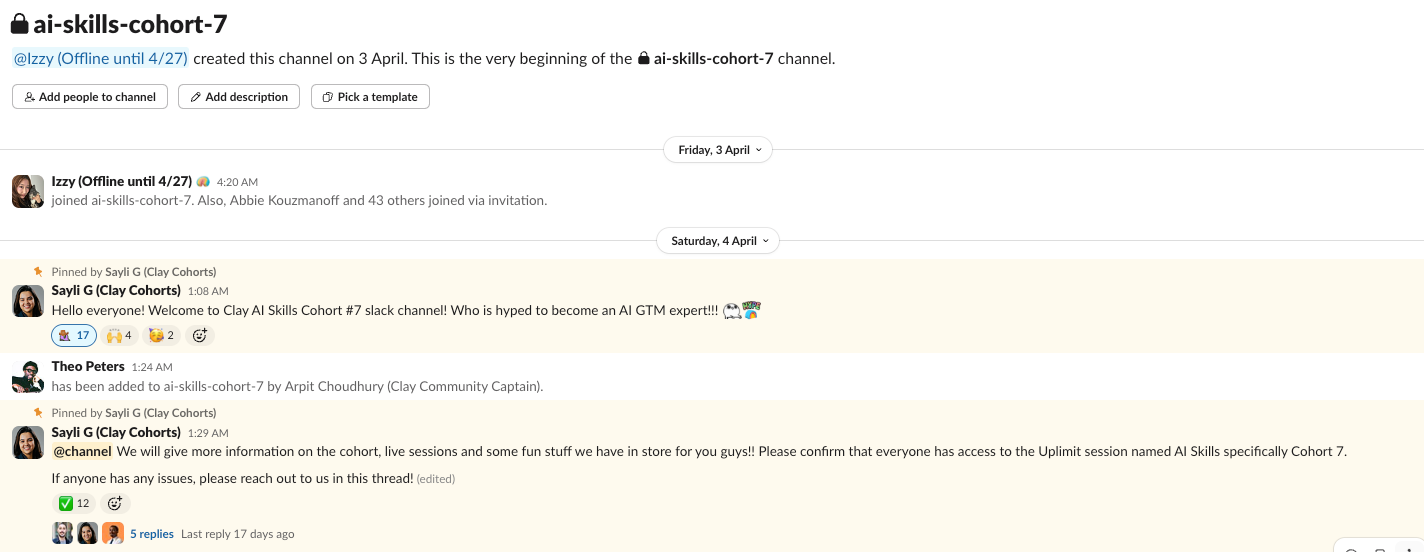
Woohoo! I just completed the AI skills cohort organised by Clay on April 3rd 2026.
It’s a 2 week course that goes through how to use AI with GTM motions inside Clay.

Here are 8 things I learnt that will be impactful in my future GTM workflows.
#1: Setting Variables Upfront for AI Steps
Problem:
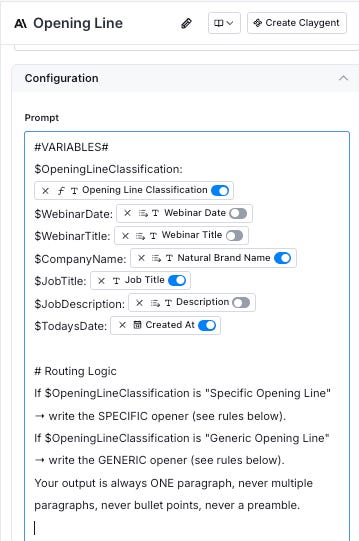
If you’ve been doing AI enrichment in Clay, the previous workflow was to use Clay variables directly in the prompt itself.
The issue: when you’re going back and forth between Clay and Claude to find the optimal prompt, each time you swap you have to manually reconfigure the Clay variables. Brutally painful and not efficient.
Why this is better:
The new method lets you define variables upfront by assigning variable names (IE $OpeningLineClassification) and then referencing the variable names in the prompt instead of the raw Clay variables.
I can now swap the freely while keeping the variable mapping stays intact.
#2: Configuring Claygent Outside of Clay Tables
Problem:
When you’re doing it inside your Clay tables, adding dummy data is almost close to impossible if you’re working with live data. Especially true when you’re trying to configure for edge cases (you have no idea how much time I spent bouncing between Claude Code and Claygent just debugging).
Why this is better:
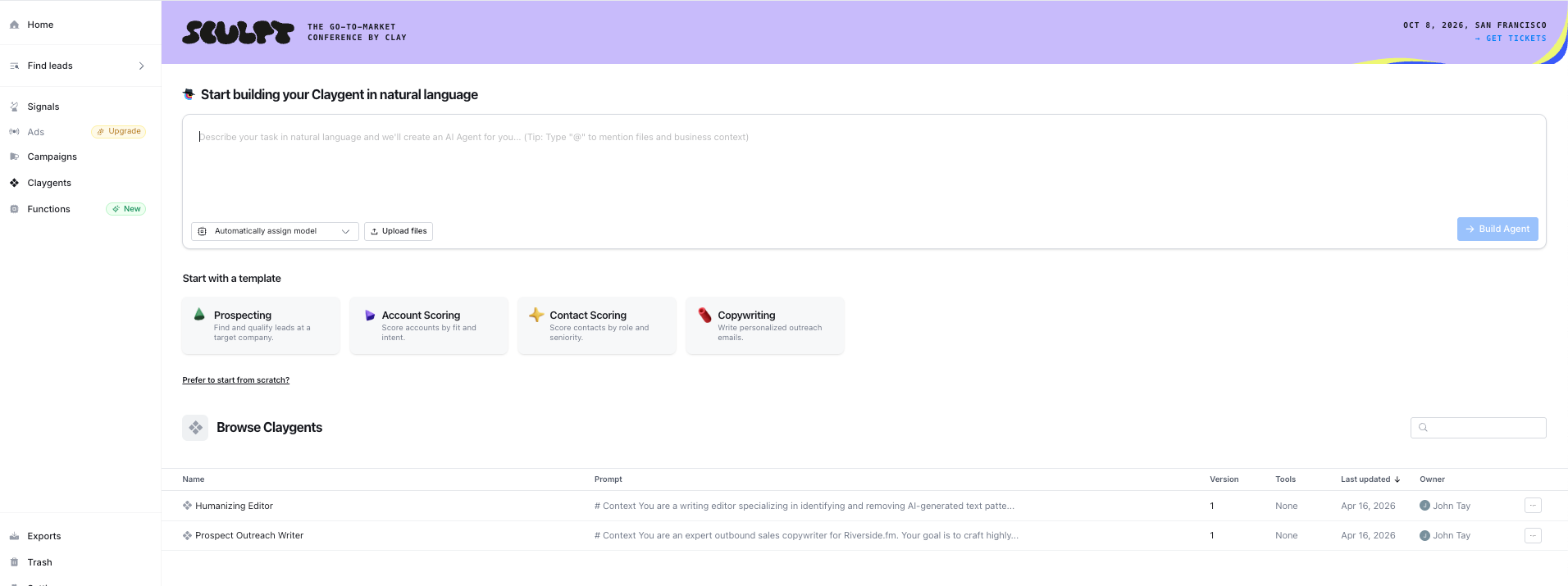
You can finally configure Claygent outside your Clay tables. It allows me to test, break, iterate, all without polluting your live rows.
Especially for edge cases.
#3: Clay Navigator
Didn’t even know this existed before the cohort. It’s an interesting option that you can enable within Clay.
Where normal Claygent reads a page, Navigator actually interacts with it. It can fill in search forms, click buttons, toggle filters, paginate, and scroll. Clay’s version of an agentic browser, inspired by OpenAI’s Operator.
Human-style navigation: clicks, form fills, filter toggles, pagination, and scrolling.
Research you can replay: every run includes a step-by-step Claygent Replay so you can see exactly what Navigator clicked, filled, and checked along the way.
Works across formats: pages, tables, PDFs, XML/CSV outputs & Navigator strings it together.
I personally don’t see much use case for this in my workflows right now. But definitely something interesting to keep at the back of my mind.
#4: Clay Sculptor, for just about anything
Sculptor is Clay’s AI co-pilot that sits inside the table and lets you talk to your data in plain English. It can reformat records (concatenating fields, standardising formats, stripping emojis and junk), analyse data with visualisations, and even recommend enrichments on the fly.
Technically you don’t have to bounce back and forth an external LLM.
Another trick I picked up: use Sculptor to export outputs as CSV so it’s faster to paste straight into your data providers column. Previously I was pasting the outputs manually, row by row.
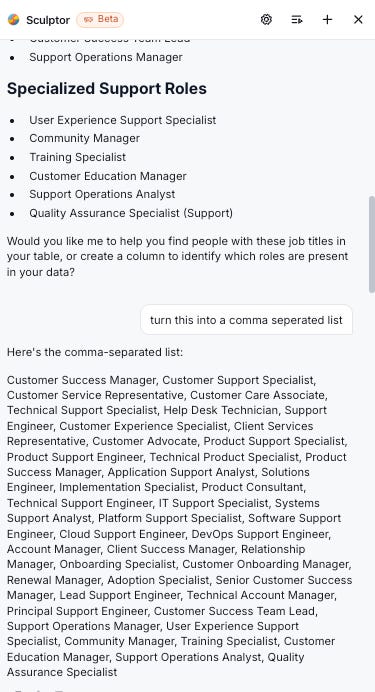
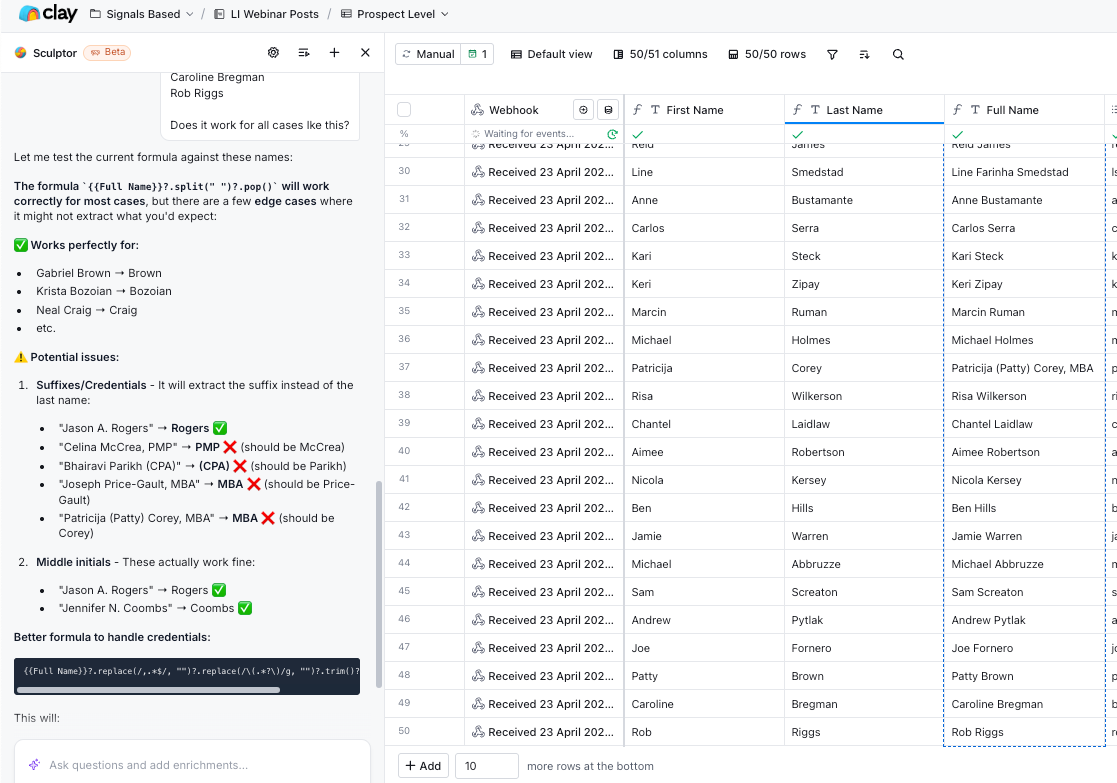
Another example of how Clay Sculptor works. It understands the contextual knowledge of the columns. So you can just prompt it within Clay itself.
In this case, I wanted them to split out the last name after considering edge cases.
#5: JSON.stringify()
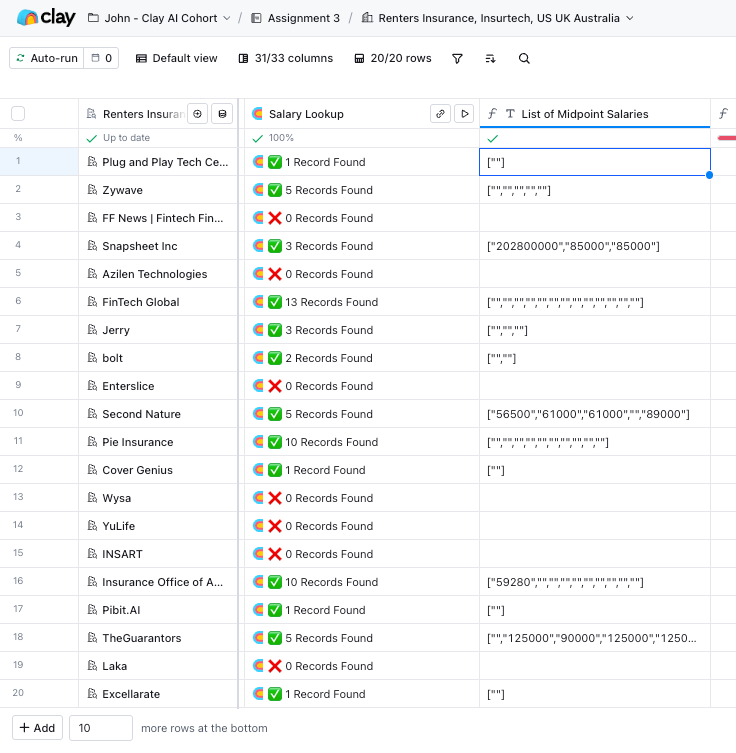
A super useful command to extract information off an array of data for downstream manipulation.
If you’ve ever had an array that you couldn’t pipe into the next step, or you needed to preserve a nested structure as a string, this is the fix.
#6: Waterfall for Job Openings & News
I only thought that there was an option to use waterfall for email enrichment. Turns out it works for more.
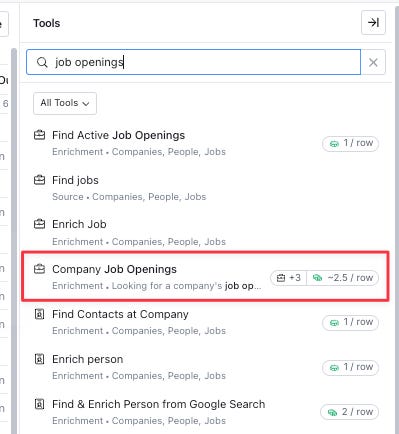
Company Job Openings
Izzy (instructor from Clay) did a neat example. Imagine you’re selling a customer support chat solution. What you can do is:
Do a job opening waterfall for “customer support” jobs
Scrape the median salary published for each customer support job
Multiply median annual salary by the number of customer support jobs
Use it as your contextual opener, IE how your customer support chat solution could save $X annually
Company News
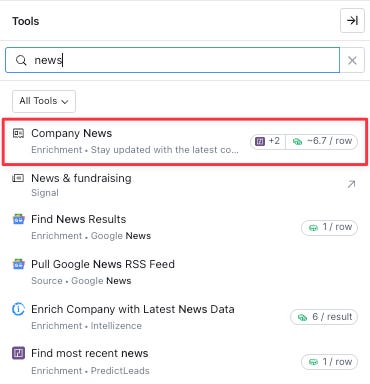
An option to pull the latest news from the company you’re trying to reach. Easy way to warm up an opener without combing LinkedIn or Google manually.
#7: Conditional Params in Pure Forumla Columns
For your regular non-formula columns, you could always set a condition: only run this column if X is true, or only run if X is false. Pretty standard.
What I didn’t realise is that the same logic works inside pure formula columns. You can drop a formula in there and tell it to only execute when a certain parameter is true or false. So the formula doesn’t even evaluate on rows that don’t meet the condition.
Small unlock, but helps with a cleaner table!
#8: Sandbox Mode
Running experiments on live tables is risky. One bad Claygent run on 2,000 rows and you’ve run through your credits for the day.
Sandbox mode solves this. It spins up a mini version of your table (top 10 rows, capped at 50) that you can freely test against.
A few things worth knowing:
Credits do consume in sandbox mode
Outbound actions (exports, webhooks, Write to Other Table) are automatically disabled, so nothing accidentally fires
You review all changes before publishing them back to the main table
Rough workflow: build in sandbox, test on the sample, review the diff, then publish. Closest thing Clay has to a staging environment.
Closing Thoughts
Big kudos to Izzy and Sayli for keeping the course high energy and engaging throughout. There were tons of live sessions with great speaker profiles, and the course itself was well structured with plenty of examples, including video walkthroughs going through each chapter one by one.
Really enjoyed it. If you're looking to get your foothold in Clay, I'd highly recommend signing up for the AI Skills Cohort.
PS: Sharing the Slack channel below for memory sake!