
I’m embarking on a 30 day challenge to master Claude Code in marketing.
As someone who’s quite deep into AI x Marketing, this feels non-negotiable at this point.
Wanted to share this 0 → 1 journey openly, mainly as a way to document what I’m learning. If it helps other marketers along the way, even better.
The 2-Week Struggle: Why I Nearly Gave Up
I’ve actually been exploring Claude Code for the past 2 weeks.
Watching videos, reading guides, bookmarking resources. Just... stuck in tutorial mode because the terminology kept confusing me.
Everyone throws around terms like “agents” and “skills” and “hooks” like they’re self-explanatory. They’re really not. Especially when most guides are written for developers, not marketers.
Things finally clicked for me today. So while it’s still top of my mind, here’s what actually helped me break through the confusion.
#1: Claude Code (the tool itself)
What I thought: Some coding platform where I’d need to learn Python or JavaScript.
What it actually is: A system where you build automation workflows using plain English. You’re technically “writing code,” but it’s just markdown files with instructions.
Reality check: The word “code” puts marketers off. But you’re not becoming a developer, you’re just teaching an AI your marketing processes.
#2: Claude Code CLI
What it looks like: That black terminal window you see developers use. All text, no mouse clicks.
Why it matters: Claude Code runs in the terminal. No fancy interface to click around and just typing commands. Feels old-school and I couldn’t really get the hang of this.
The shift: Think of it like typing an email versus filling out a form. More direct, less fuss.
#3: IDE Integration (Cursor, VS Code, etc.)
What it is: IDE = Integrated Development Environment
What they actually are: Optional visual wrappers that sit on top of Claude Code. They give you:
File trees you can see and navigate
Prettier formatting for your markdown files
Mouse navigation if you prefer that
Common options:
Cursor - Popular in Claude Code circles
VS Code - Microsoft’s free editor, highly customizable
Antigravity - by Google
Day 1/30 - What I Did
Step 1: Found the Best Guide Available
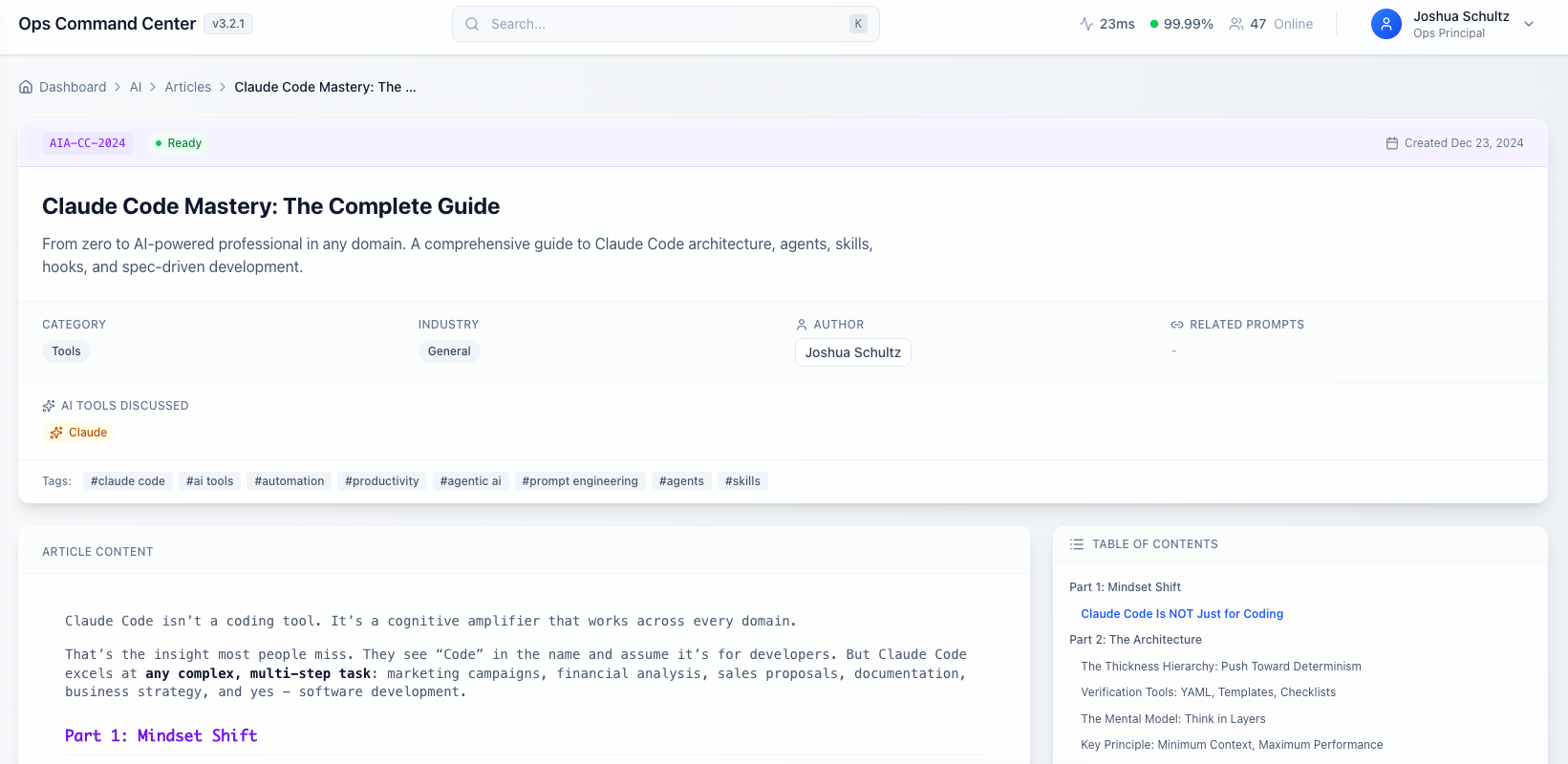
After going through dozens of Claude Code tutorials, I settled on Joshua Schultz’s complete guide. It’s over 10,000 words of solid architectural breakdown.
I’ve read a lot of AI guides over the past year, and most fall into two camps: either too surface-level (just showing you what buttons to click) or too technical (assuming you already know how systems work). Joshua’s guide is different.
It teaches you the “why” behind the architecture. I’m not interested in just copying templates—I want to understand how the system thinks so I can build my own workflows. The guide breaks down the hierarchy (Commands → Agents → Skills → Hooks) in a way that actually makes sense. I finally understood why you’d use a Command versus a Skill, and when an Agent is overkill.
Step 2: Set Up Claude.ai Project as My Learning Copilot
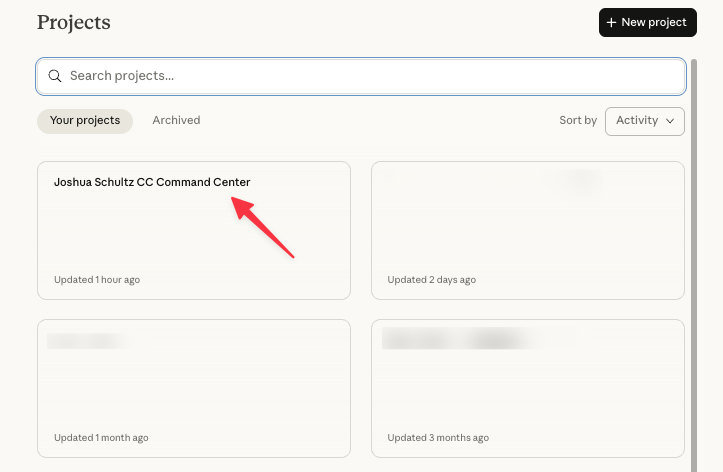
Here’s what I did: I uploaded Joshua’s guide into a Claude.ai Project (the web interface, not Claude Code yet).
Why this approach works:
Claude.ai keeps the entire guide in memory across all my questions
I can ask things like “How do Commands differ from Skills?” without re-explaining everything
Basically have an AI tutor that already knows the framework I’m learning
Resources that Helped me Out
Nate Herk’s Claude Code Guide:
Mark Kashef’s Claude Code Guide: